
First published 18 October 2026 · Last consistency check 29 October 2026 · Personal use record, not a benchmark
Affiliate disclosure: This page contains an affiliate link to InterServer. If you purchase through it I may earn a commission at no extra cost to you. The price, plan name and every limitation below come from my own invoices and my own use. Current prices, taxes and plan terms must be confirmed on the checkout page.
Short answer: I run this WordPress site on an InterServer VPS and pay $6 per month. For a small personal content site that is a reasonable cost, and day-to-day access feels acceptable to me. The one real friction point was recovering the root password, which required contacting support. This is a single-user experience report — not a multi-region speed test, not a load test, and not an uptime study.
My plan and what this record covers
| Item | What I recorded |
|---|---|
| Actual payment | $6 per month; my payment screenshot shows two $6.00 entries marked Paid |
| Plan name on the order | KVM Linux VPS 2 Slices. I do not infer current CPU, RAM, disk or list price from this name |
| Use case | One personal WordPress site and its routine maintenance |
| Access impression | Acceptable; no cross-region, cross-carrier or evening-peak measurements |
| Maintenance friction | Could not locate or change the root password myself; support had to help |
| Evidence I do not have | Exact resource allocation, load data, a full test cycle, long-term availability |
What $6 a month actually bought me
Price is the reason I chose this plan. At the stage where I just needed the site to load reliably while I wrote and published content, keeping the fixed monthly cost low mattered more than having headroom I was not using. The value judgement is “reasonable for my current workload”, not “cheap for everyone”.

One detail worth keeping straight: the $6 was paid at the normal listed rate, with no coupon, and it is a recurring monthly price rather than a first-year promotion. That absence of a renewal jump is a large part of why I kept the plan. I have not verified whether this holds for other plans, billing cycles or future pricing.
Speed: what I can and cannot claim
My honest assessment of day-to-day access is “fine for what I need”. I have not run systematic tests across carriers, regions or evening peak hours, so I cannot promise the same result for your visitors — especially if your audience sits on a different network from mine.
Two numbers do exist on this site, and they are frequently misread, so here is the boundary:
- WordPress Site Health self-check (26 October): before enabling page caching the median server response for a self-request to my own homepage was 671 ms; after enabling WP Super Cache in simple mode it reported 36 ms. This is WordPress probing itself from inside the server. It is not a full page load for a visitor in any country, and not a network speed test of the VPS.
- Six direct HTML requests over China Telecom: time to first byte roughly 1.21–1.35 s. That is a different test path again and cannot be compared with the millisecond figures above.
Both are single-session observations. Neither supports “fast everywhere”, and no China Unicom, China Mobile or multi-time-of-day comparison exists here. If latency from a specific network is decisive for you, test a target machine from that network before buying annually.
Resources, WordPress and what the panel actually shows
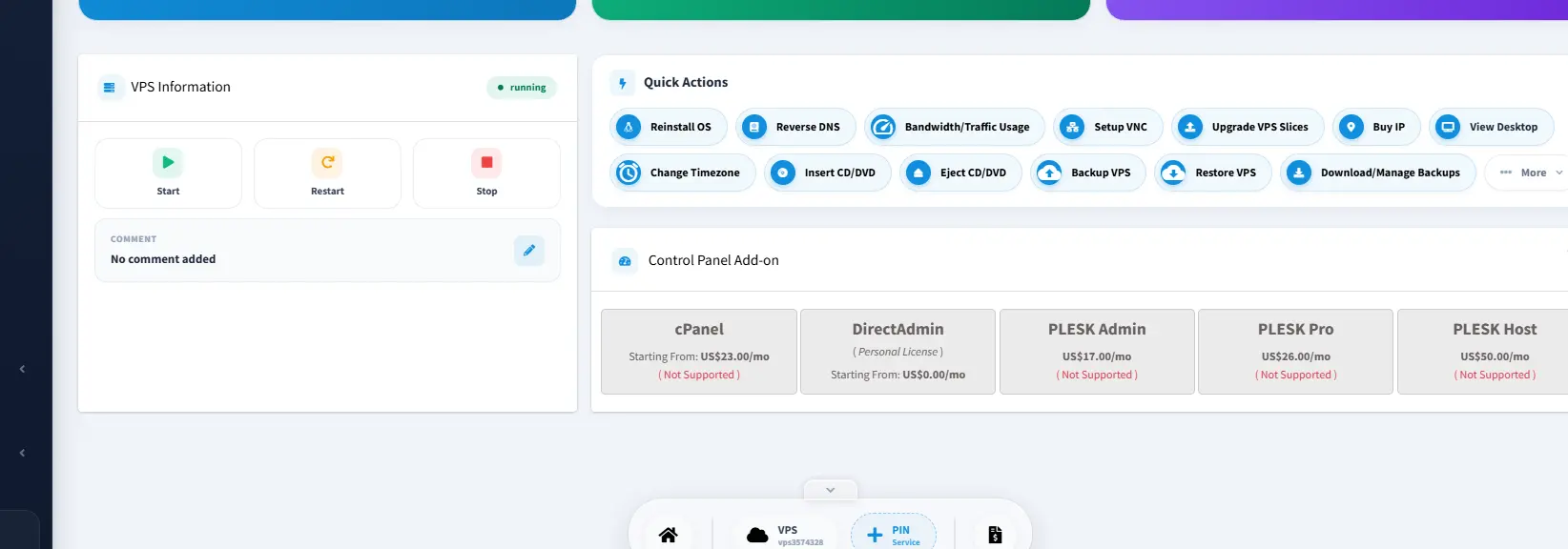
The plan has been adequate for one content site running WordPress, a theme, page caching and a Redis object cache. Whether it suits your site depends on your plugin count, whether you run a store, and how much traffic hits uncached pages — I cannot extrapolate from one site to high concurrency or a large business workload.
The maintenance problem: recovering root access
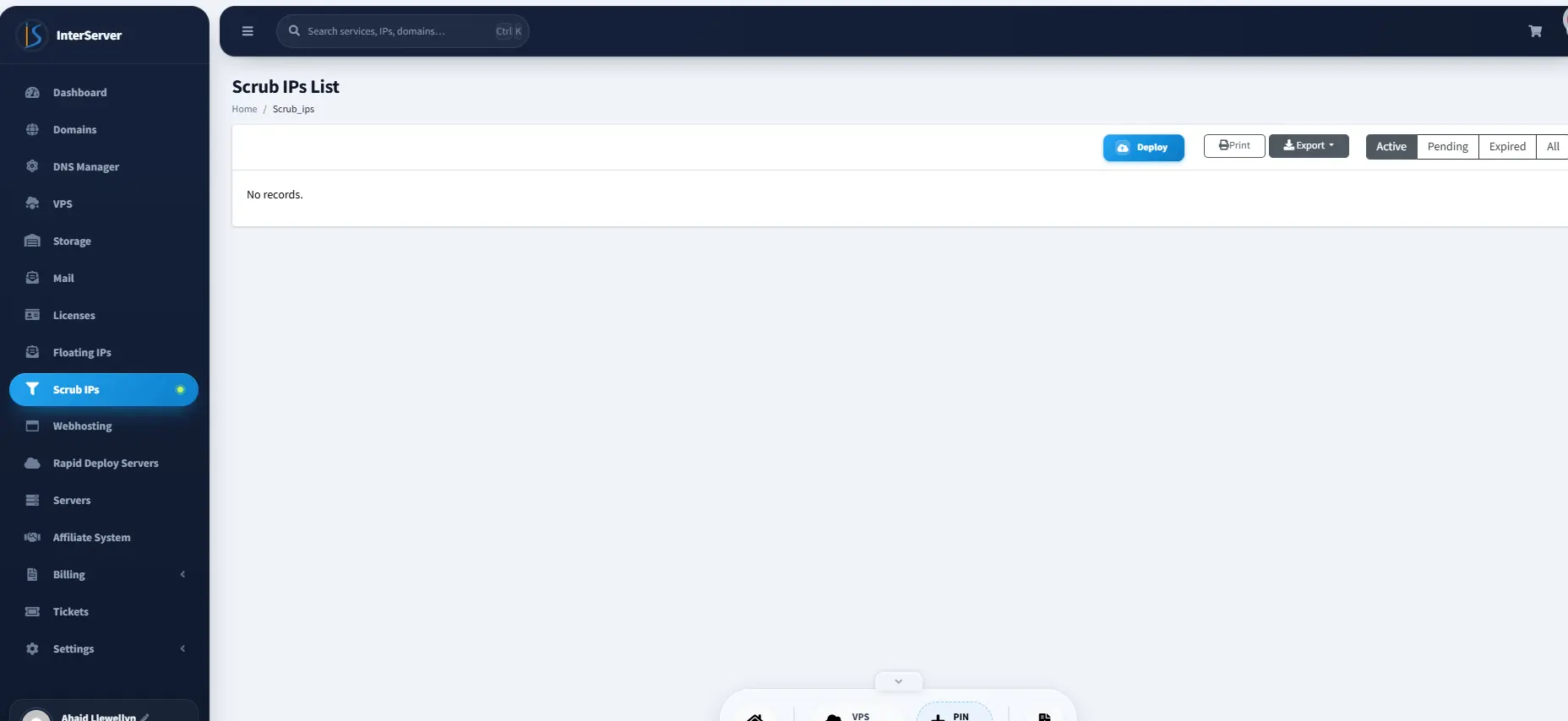
Routine operation has been straightforward, with one real exception. I could not find my root password, and I could not complete the change through the management entries I could locate. In this instance I had to email support and wait for assistance. For someone who wants to solve things immediately at 2 a.m., that extra step is inconvenient.
This is one personal incident, not proof that every plan or panel lacks a self-service reset. It is also a useful lesson regardless of provider: confirm your SSH login method at provisioning time and store the credentials somewhere safe, before you actually need them. I later documented a separate case where an SSH disconnect interrupted a long-running panel installation — long jobs should run under screen or nohup.
Pros and cons as I experienced them
| What worked for me | What to check yourself |
|---|---|
| Low, predictable monthly cost with no first-year-only pricing on my plan Panel exposes the usual VPS controls Adequate for one small WordPress content site |
Root credential recovery needed support in my case No verified multi-region performance data Maintaining the stack is still your job: PHP extensions, Redis, a PHP 8.3.36 switch that caused a 502 until an Nginx socket permission was fixed |
A cheap VPS does not remove maintenance. A control panel simplifies installation; it does not update the OS, configure caching, fix a broken PHP-FPM socket or restore a backup for you.
Who might shortlist it
- Personal site owners keeping fixed costs low at launch.
- People starting a blog or content site small, with room to upgrade later.
- Anyone comfortable with basic server administration, or willing to read documentation and contact support.
If instant self-service resolution for every administrative task is a hard requirement, examine the panel’s account and support options carefully before ordering.
What the first year actually costs
On my numbers: $6 × 12 for the VPS plus $6.99 for the first year of a .com domain at Namecheap equals $78.99 in baseline first-year cost. The first-month outlay was only $12.99 ($6 VPS + $6.99 domain), which is why “starting a site for $12.99” and “running it for a year” are different statements. This excludes paid themes, plugins, extra domains and any hired help. I also recorded a Namecheap Stellar hosting trial that billed $26.88 in its second month; I requested a refund and turned off auto-renewal. Read the auto-renewal terms on any free trial.
Frequently asked questions
Is $6 per month the current price for everyone?
No. It is what my own invoices show for my own order. Current pricing, renewal terms, taxes and add-ons must be checked separately at checkout; a personal invoice is not a public price list.
Is there an InterServer coupon code?
I did not use one — I paid the listed price, and the $6 tier on my plan is an ongoing rate rather than an introductory discount. Rather than hunting for third-party codes, check the official homepage for any current promotion; codes from unknown sources are not worth risking an account over.
Does this prove the site is fast from China Telecom, Unicom or Mobile?
No. My original assessment was a subjective impression. A separate post records six direct HTML requests over China Telecom at about 1.21–1.35 s TTFB, but there is no Unicom, Mobile or multi-time-of-day comparison, so the result cannot be generalised.
Can a beginner choose a VPS on monthly price alone?
I would not. Target audience location, actual resources, plugin and database load, and your own ability to maintain the OS and backups all matter. My VPS buying checklist sets out the order I use.
Does the root password issue mean no plan supports self-service reset?
No — I only recorded what happened in this one case. Check the management entries for your own plan and the provider’s current support documentation. Never post passwords, reset links or console screenshots containing secrets in a public comment.
Verdict
As a price-sensitive owner of one small WordPress site, I am satisfied so far: the cost is low, the resources suit my current use, and access is acceptable. The root-password episode was the main inconvenience; otherwise day-to-day operation has been smooth. Whether it fits you depends on the plan you actually order, where your visitors are, and how much administration you are willing to own.
Before ordering, verify the final checkout amount, the renewal price, and the CPU, RAM, disk and datacentre location. You can check current VPS plans on the official site — that is an affiliate link, and the disclosure at the top of this page applies.
How to re-check this record a year later
This is a single-user account, not a monitoring report. The table is a blank annual re-check list with no new prices or measurements: fill it from your own invoice and provider panel, and note explicitly which claims were never tested.
| Field | Where to verify it | Why it belongs in the log |
|---|---|---|
| Amount actually charged and date | Your own invoice or card statement | Separates a headline rate from a real payment |
| Introductory or standard rate | Checkout page and renewal terms | Decides whether year two looks the same |
| Root-access recovery path | Provider console and any support ticket | This was the slowest part of the maintenance incident |
| Date of each maintenance change | Your own notes | Keeps a config change from being read as a machine change |
| Backup method and whether it costs extra | Panel backup / snapshot settings | Needed before any reinstall |
| What was not measured | A short line in the same note | Keeps this record from being cited as an uptime or speed test |
The build order behind this machine is in the eight-stage setup guide, and the questions to ask before paying are in the VPS buying checklist. The itemised first-year cost separates one-off from recurring lines, while the timing sample and what a VPS actually is are separate questions from long-term maintenance.
Keep the domain bill separate from the VPS bill
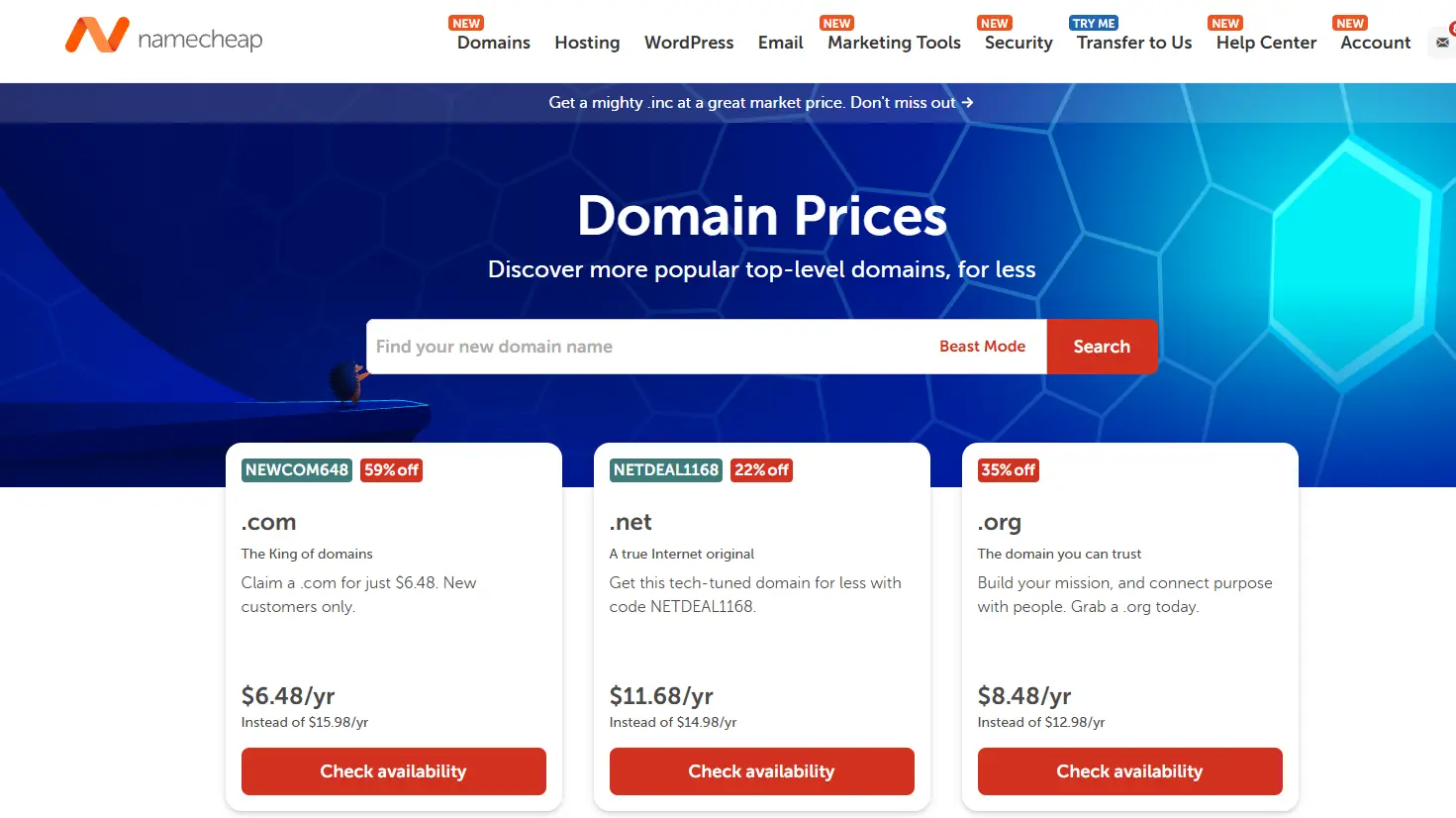
The server is $6 a month and the domain was $6.99 for the first year, but they come from two providers on two billing cycles: monthly for the VPS, yearly for the domain, with a promotional first year. Once the A record points the domain at this machine, the number most often forgotten is the renewal rate — usually higher than the first year and never included in the monthly VPS charge. The pricing page below shows how first-year offers and coupons differ by extension; it illustrates the gap but is not an invoice.
For the full cost boundary see the first-year cost breakdown, and for the order of DNS, binding and launch see the eight-stage setup guide.
Keep reading
WordPress setup in 8 stages · How to choose a VPS before you pay · English home · Original Chinese version of this article
This article is a personal use record. No professional benchmark, multi-region speed test or long-term availability statistics were performed. Prices, specifications and service terms are those shown at the time of purchase; confirm them with the provider.