
Disclosure and scope: This site may earn a commission from links to some of the services discussed. This is a record of my own use in 2025. Prices and billing rules may have changed; the screenshots added later show products and display prices that are not my 2025 order. No controlled test was run and no vendor supplied data.
922 was simple to use and offered unusually fine-grained location selection, but during my 2025 use the recurring annoyance was Google image captchas. Pricing felt mid-range to me — neither remarkably cheap nor expensive. I used a per-IP (per-address) billing plan; that is a description of my order, not a claim that 922 only sells one kind of plan. The price page I captured later also shows traffic-based and daily options.
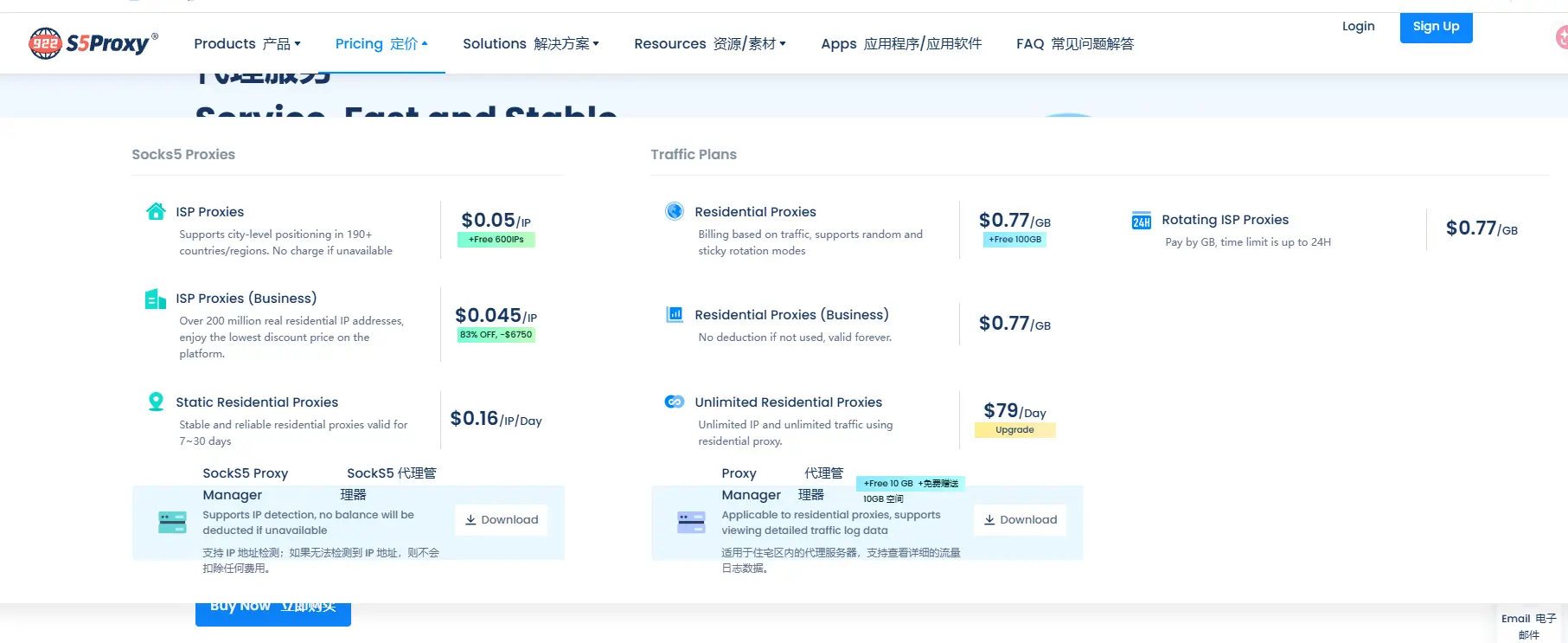
Billing: what I used versus what the page shows
My 2025 plan was billed by IP count. The later screenshot includes US$0.05/IP and US$0.77/GB as display prices. Because one is per address and the other per gigabyte, neither is “cheaper” without knowing your volume and how long an address stays usable. I also met the occasional unusable IP, which changes the effective cost: if some extracted addresses do not work, the price per working address is higher than the sticker price. I did not keep a count, so I will not invent a failure rate.
What worked well
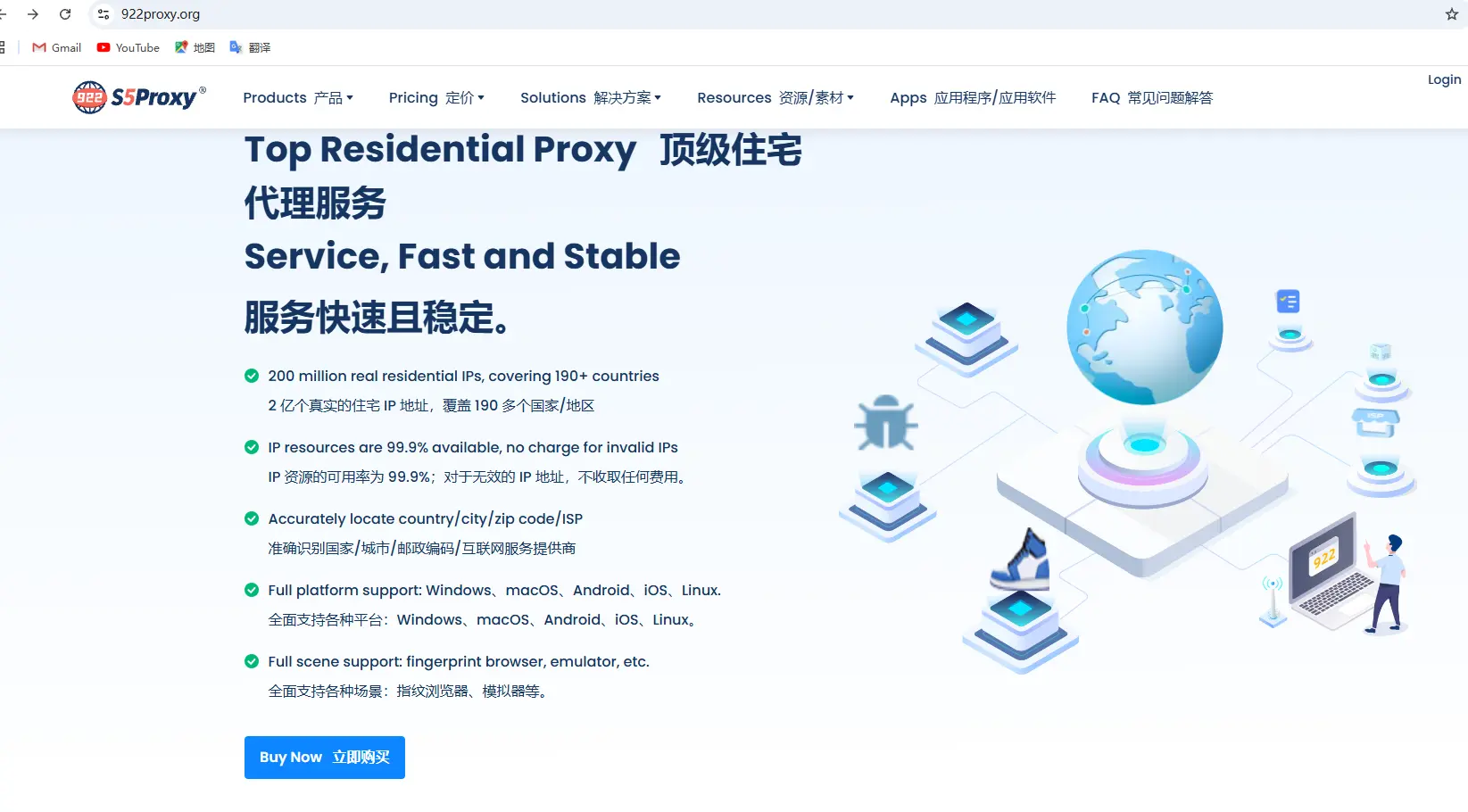
Setup was straightforward, it paired conveniently with a fingerprint browser, and the backend let me filter down to state, city and postal code. For tasks where a specific locality matters, that granularity is a genuine advantage. I also appreciated that the product page described platform support and browser use cases — though the IP counts and availability percentages printed on a provider’s homepage are marketing claims, not my measurements.
The captcha problem, and a question I could not settle
Google image captchas appeared frequently during that period. At the same time I had a fast-connect VPN running alongside the proxy, I did not run a control with either one disabled, and I did not save the exit IP for each attempt. So I cannot say whether the captchas came from the proxy IPs, the combination, the browser profile or something else. Google Image Captchas With 922 Proxy in Hubstudio: What I Could Not Conclude documents that setup and explicitly lists the missing evidence. I also had a question about the IP type but did not verify addresses one by one, so I leave that as unresolved rather than guessing.
What I would check before buying again
| Question | Why it changes the decision |
|---|---|
| Per IP, per GB or per day? | Determines whether cost scales with addresses, volume or time |
| How are unusable IPs handled? | Replacement policy decides the real cost per working address |
| What does the location filter guarantee? | A filter option is not a promise about how a website identifies the exit |
| Is there a trial or refund path? | Lowers the cost of discovering a mismatch after payment |
Frequently asked questions
Is 922 billed per IP or per GB?
Both models appeared on the pricing page I captured. I personally used a per-IP plan in 2025. Check the current page for the product you intend to buy.
Do captchas prove the IP is bad?
No. A captcha can be triggered by many signals. In my case a VPN was running at the same time and no control test was performed, so no causal conclusion is available.
How do I estimate the real cost when some IPs fail?
Record how many addresses you extract, how many work on your target task, and whether replacements cost extra. Divide the total paid by working addresses, not by extracted addresses.
A worksheet for the real cost when some IPs fail
The FAQ above answers the short version of this question. This is the blank worksheet behind it: a generic list of fields to fill from your own checkout page and dashboard, not new measurements and not a price quote. Every number goes in as you observe it; if a field cannot be verified, leave it blank rather than guessing. That is what keeps the total auditable later.
| Field | Where to get it | Why it changes the answer |
|---|---|---|
| Plan price and billing unit | Checkout page, not a review | Per IP, per GB and per month are not comparable totals. |
| IPs issued | Extraction or order history | The denominator of any per-IP figure. |
| IPs actually usable for your task | Your own log, one task at a time | A blocked or dead IP still cost money. |
| Validity window | Plan terms | Unused days or GB change the effective unit cost. |
| Replacement / refund rule | Provider policy in writing | This decides whether a failed IP is a loss or a swap. |
| Traffic cap, if any | Plan terms and dashboard meter | A cheap per-IP plan can still have a ceiling. |
| Your own time per completed task | A short note you keep while working | Time spent re-testing is a real cost, though not an invoice line. |
The check order I would repeat before buying again
One variable at a time is the whole method. A captcha, a fingerprint-browser setting and a proxy line can each produce a failed session, and changing all three together leaves nothing to attribute. Write down the IP, the target page, the timestamp and the outcome; then change only the proxy line and repeat. For the other billing models see the pay-per-GB alternative I used and where monthly and per-GB billing cross. The captcha record I could not conclude is the reason I keep this order explicit, and the static-IP buying checklist lists the questions I now ask a provider. If you are new to proxies, how to actually use an IP you bought comes before any pricing comparison.
Where to read next
Google Image Captchas With 922 Proxy in Hubstudio: What I Could Not Conclude for the captcha record, OwlProxy Review: Static Residential Lines and Pay-per-GB Dynamic Proxies for a pay-per-GB alternative, Static vs Rotating Residential Proxies: Which Billing Model Costs Less for comparing billing models, and Before You Buy a Static Residential IP: Eight Questions I Now Ask for a static-IP buying checklist.